Screaming Frog vs cloud crawlers: when you need an alternative (and when you don't)
Screaming Frog is the best-value crawler there is. A cloud crawler is worth paying for in four situations; outside them, you probably don't need a Screaming Frog alternative.
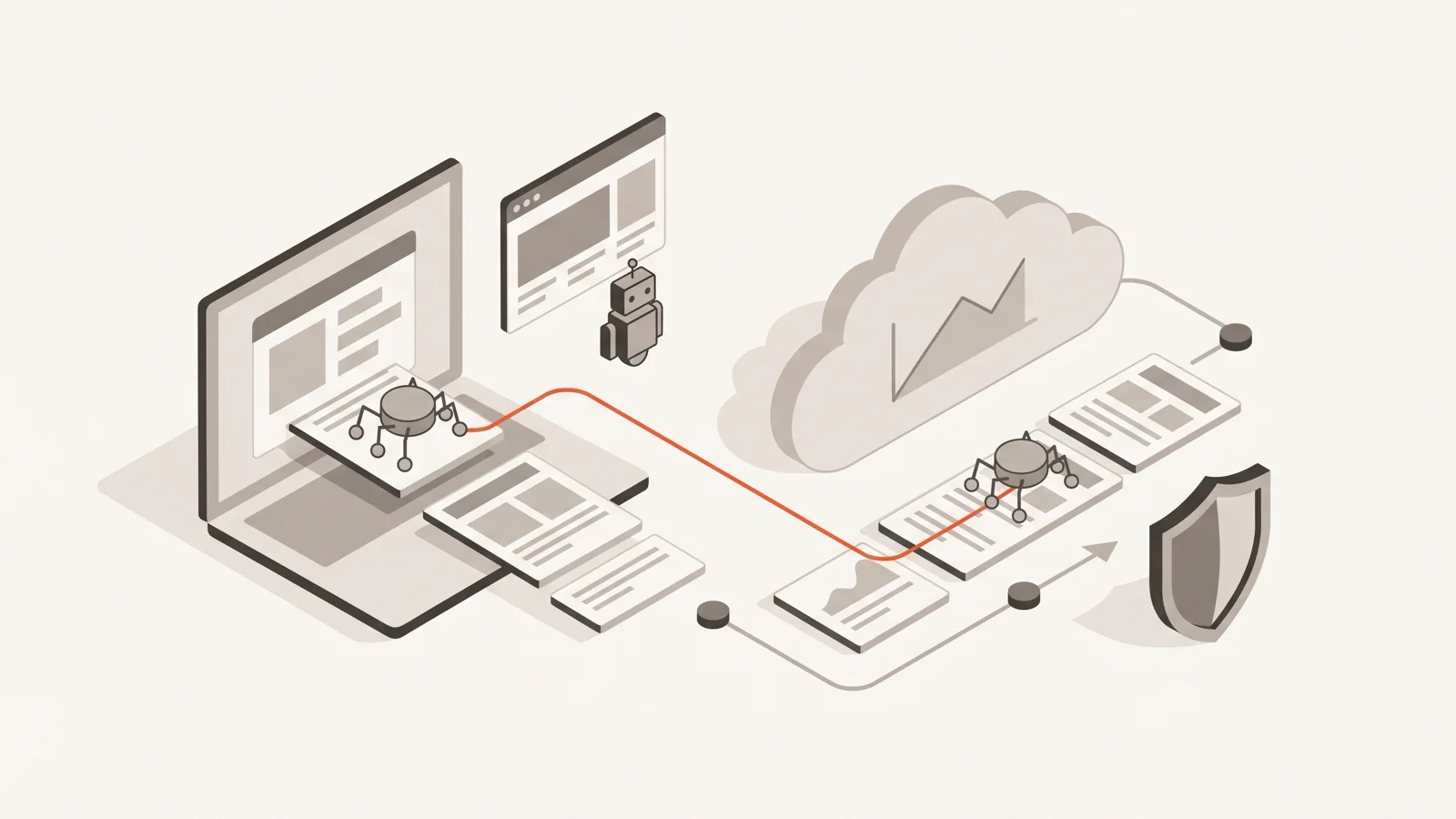
Most people searching for a Screaming Frog alternative don't need one. At $279 a year with no URL limit, JavaScript rendering, custom extraction and a command line, the SEO Spider is the best-value crawler on the market. A cloud crawler earns its higher price in four situations: audits that must run on a schedule while nobody's computer is on, teams that need the same data without passing files around, sites behind firewalls that challenge unknown traffic, and AI agents or CI jobs that need to start an audit and read the results over an API. If none of those apply, keep Screaming Frog.
Disclosure: we make SEOFix, one of the cloud crawlers mentioned here. Last checked: 8 October 2026; prices are from each vendor's own page on that date.
What Screaming Frog does better than almost anything
Price
A licence is $279 per user per year, dropping to $235 at 20+ licences. The free version crawls 500 URLs. The paid version has no URL cap; the pricing page says the limit "is dependent on allocated memory and storage". For comparison, Ahrefs' cheapest plan that can audit a 37,000-page site in one project is Standard at $249 a month. Screaming Frog costs about what Ahrefs Standard costs for five weeks.
Depth and control
According to the FAQ, the licence adds saved crawls, the full configuration, custom source-code search, custom extraction, Google Analytics and Search Console integration, and JavaScript rendering. Custom extraction alone covers jobs most cloud tools can't do: pull the salary field from every job page, the price from every product, the author from every article, with XPath or CSS selectors.
You also control speed precisely. The configuration guide says the default is 5 threads "to not overload servers", and recommends the "Max URI/s" setting when you need a hard requests-per-second ceiling.
Scale, with the right machine
From the user guide: 8 GB of RAM is "generally sufficient" for crawls under 200k URLs; over 1 million URLs, they recommend an SSD and 16 GB or more. Database storage mode writes crawl data to disk, saves crawls automatically and is the recommended default for SSD users.
It can run headless, on a server
Screaming Frog's FAQ says "every version of the SEO Spider is a server version". You can run it on a dedicated machine or a cloud server, drive it entirely from the command line, and have it run headless. Scheduled crawls (File > Scheduling) can export to Google Sheets and Looker Studio and send an email when a crawl finishes.
MCP, locally
Version 24 added an MCP server (guide posted 17 March 2026). It's a paid-licence feature and runs on your machine. It can start crawls, export data and generate reports for an AI client such as Claude Desktop.
If you're one technical SEO auditing client sites by hand, this is hard to beat at any price.
Where Screaming Frog gets awkward
None of these are flaws in the crawler. They come from it being software you run yourself.
Scheduled audits need a machine that's on
Scheduling lives in the app on your machine (or a server you maintain). The scheduling docs also note that "a new instance of the SEO Spider is started for a scheduled crawl", so overlapping schedules run in parallel and compete for RAM. For a weekly crawl of one site from a desktop that's always on, this is fine. For weekly crawls of 20 client sites from a laptop that travels, it isn't.
Running it on a cloud VM fixes the "laptop is closed" problem and adds a server to patch, a licence to activate on it, and exports to wire up. That's what you pay a cloud crawler to handle.
Teams
Licences are per user: "Every individual user requires their own licence", and a licence may be used on several devices only by the person it belongs to. For shared data, the FAQ suggests a shared server reached over remote desktop (each user still licensed) or exporting and passing crawl files around. Five people who all want to look at the same crawl is five licences plus a file-sharing habit.
No alerting on change
Scheduled crawls send an email when they finish, and crawl comparison exists in the app. What you don't get out of the box is "email me only when this week's crawl has new errors compared with last week's". You can build that from exports. In a cloud tool it's usually a setting: SEOFix, for example, emails the team only when a scheduled audit finds new errors or the health score drops by 5 points or more (monitoring and alerts).
Agents and CI
The local MCP server is a real step. It still needs the SEO Spider installed and licensed on the machine where the agent runs. A coding agent in CI, a remote agent, or a teammate's agent without a licence can't use it. A hosted API or remote MCP server can be called from anywhere with a key.
The cloud trade-offs nobody puts on the pricing page
Cloud crawlers aren't free of problems. They swap the ones above for these.
Cost
Cloud tools charge by pages crawled, and large sites get expensive fast. Sitebulb Cloud starts at $125 a month for 50,000 URLs a month; its Small plan (1M URLs a month, 250k per audit) is $245. Ahrefs Standard is $249 a month for 500,000 crawl credits. For the 37k-page site we run, a weekly audit costs roughly $23 a month in Screaming Frog licence and $39 to $549 a month in cloud tools: see our cost-per-page comparison.
Firewalls and IP allowlisting
This one cuts both ways, and desktop often wins.
When Screaming Frog crawls from your office or a server you own, you know the IP address. Add it to your firewall's allowlist and you're done.
A cloud crawler crawls from the vendor's addresses, so your firewall sees an unknown bot. How easy it is to let it through depends on the vendor:
- Ahrefs is the easiest. Its Site Audit bot page says AhrefsSiteAudit is recognised by Cloudflare as a verified "good" bot, publishes its IP ranges, and its hostnames reverse-resolve to
ahrefs.comorahrefs.net. - SEOFix doesn't publish an IP list. You let it through with a secret request header (
X-SEOFix-Verify) in a WAF rule, which SEOFix can create in Cloudflare for you. That works for custom rules and most managed rules, but on Cloudflare's Free plan Bot Fight Mode can't be skipped by a rule, so you have to turn it off while audits run.
What matters more is what the crawler does when it's blocked. On jobxdubai.com, which we run, a Cloudflare rule challenges every non-browser request to /jobs/*. A crawler that doesn't recognise a challenge reports roughly 30,000 "broken" job pages. Whichever tool you use, check that firewall blocks show up as blocks and not as 403 errors on your pages, and that the crawler stops hammering a section once it's being challenged.
Politeness
A desktop crawler is as polite as you configure it. A cloud crawler is as polite as the vendor's defaults. Ahrefs' bot page says it crawls unverified sites at a maximum of 30 URLs a minute, faster once you verify ownership. SEOFix defaults to 2 requests per second and halves its rate on 429, 5xx or a sharp rise in response time (crawl settings).
The default matters because the person starting the crawl often isn't the person who runs the server. We learned this on our own site: an early crawl at about 8 requests per second strained jobxdubai's 2-core Next.js server and we cancelled it. A full audit now runs overnight at 2 requests per second, and 37,218 pages take 5 hours 42 minutes.
Rendering
Screaming Frog and Sitebulb both crawl with JavaScript rendering. Not every cloud tool does it for every page. SEOFix, for example, checks the HTML your server returns and renders only a sample of up to 20 pages in a headless browser to flag content that depends on JavaScript (JavaScript rendering). For a client-rendered single-page app, a full rendered crawl in Screaming Frog is the better tool.
Side by side
| Screaming Frog | Sitebulb Pro (desktop) | Sitebulb Cloud | Ahrefs Site Audit | SEOFix | |
|---|---|---|---|---|---|
| Entry price (Oct 2026) | $279/year per user | $42/month per user | from $125/month | from $129/month (Lite) | free 500-page audit; from $9/month |
| Where it runs | Your machine or server | Your machine | Vendor-hosted server | Vendor cloud | Vendor cloud |
| Scheduled audits without your machine on | Only on a server you run | No | Yes | Yes | Yes (paid plans, verified site) |
| Team on one dataset | Licence per user; share files or a server | Extra users from $11/month | 2 to 10+ users by plan | Extra users by plan | Up to 30 members on Growth |
| MCP | Local, paid licence | Yes | Yes | Lite and up | Remote, all plans |
| Firewall allowlisting | Your own IP | Your own IP | Vendor IPs | Published IPs, Cloudflare verified bot | Secret header, no IP list |
Sources: Screaming Frog pricing, Sitebulb pricing and Sitebulb Cloud, Ahrefs pricing, SEOFix plans.
A decision checklist
Keep Screaming Frog as your main crawler if:
- one or two people run audits, by hand, when needed;
- you need custom extraction or full JavaScript rendering;
- your sites are behind firewalls you control and can allowlist your own IP;
- budget matters more than convenience.
Add or switch to a cloud crawler if:
- audits must run weekly or daily whether or not anyone's at a desk, and you want an alert only when something new breaks;
- several people, or clients, need the same audit data;
- you want an AI agent or a CI job to start audits and read results through an API or remote MCP server;
- you're crawling large sites often and don't want to size and maintain the hardware.
Using both
The two combine well.
- Screaming Frog for investigation, cloud for monitoring. A scheduled cloud crawl tells you every Monday that 3,000 job pages lost their canonical. Screaming Frog, with custom extraction and rendering, tells you why.
- Cloud crawl for the agent, Screaming Frog for the human. A coding agent reads the cloud audit through MCP, fixes the template, and asks for a recheck of the affected URLs. A person runs Screaming Frog before a big release to look at things no rule-based check covers.
- Screaming Frog on a server, if you have the ops time. Run it headless on a VM with scheduled exports to Sheets. It's the cheapest way to get cloud-like scheduling, as long as someone owns that server.
If one of those four situations is yours, try a cloud crawl on your own site: SEOFix's first audit covers up to 500 pages, free, at 2 requests per second. Start at seofix.ai.
Keep reading

Semrush Site Audit limits: free account, pages per audit and per month
A free Semrush account crawls 100 pages per audit and 100 a month. Paid plans stop each audit at 20,000 or 100,000 pages. Here is every Site Audit limit, what happens at the cap, and how to get more from it.
1,761 words · 8 min read
Semrush Site Audit alternatives for big sites: the per-audit cap problem
Semrush's Starter and Pro+ plans stop each Site Audit at 20,000 pages, whatever the monthly allowance. Here's what that does to a big site's audit, and which tools crawl the whole thing in one go.
1,979 words · 9 min read

Ahrefs Site Audit alternatives for large sites: what weekly audits really cost
We priced a weekly audit of a 37,000-page site (about 161k pages a month) in eight tools, using each vendor's own pricing and help pages. Per-audit caps matter more than monthly credits.
2,014 words · 9 min read