Screaming Frog vs Lumar (Deepcrawl): desktop crawler or enterprise cloud platform?
Deepcrawl is now Lumar. Screaming Frog is a $279-a-year desktop crawler; Lumar is a quote-only cloud platform with monitoring, QA tests in CI and a GraphQL API. Where each one wins.
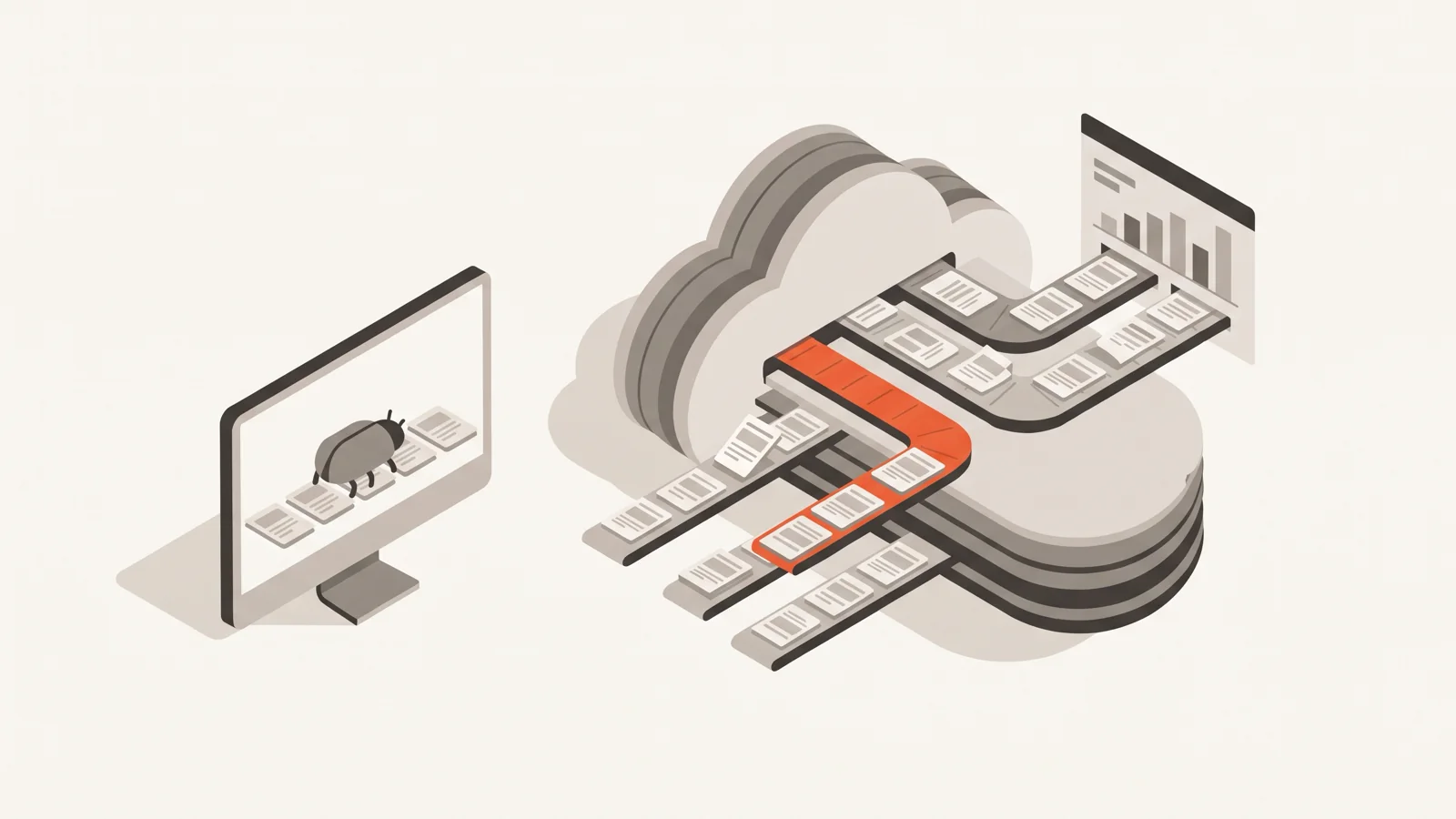
Screaming Frog and Deepcrawl solve the same problem at very different scales and prices. Deepcrawl is now called Lumar, and it's an enterprise cloud platform sold by quote: crawls run on Lumar's servers, on a schedule, with monitoring across many domains, QA tests that can block a deploy, and a GraphQL API. Screaming Frog's SEO Spider is a desktop crawler at $279 per user per year that runs on your machine or a server you manage. If one or two people audit sites by hand, Screaming Frog is the better buy by a wide margin. If a large organisation needs the same crawl data in front of SEO, developers and managers every week, with tests in the release pipeline, Lumar is built for that and Screaming Frog isn't.
Last checked: 2 November 2026, on each vendor's own pages. Disclosure: we make SEOFix, a smaller cloud crawler that comes up once below.
Deepcrawl is Lumar now
If you searched for "Screaming Frog vs Deepcrawl", you're looking for Lumar. Lumar's brand page says "Deepcrawl is now Lumar", and deepcrawl.com redirects to lumar.io (we checked the redirect today). The company describes the change as expanding "from a technical SEO platform to a broader website intelligence platform", with the crawler as "the engine that powers our expanded offering".
Two leftovers from the old name matter in practice. Lumar's FAQ says the crawler "will always identify itself by including 'deepcrawl' (our previous name) or 'lumar' within the user agent string", and some older accounts still send a user agent ending in https://deepcrawl.com/bot. If you're writing a firewall or log filter, match both.
Side by side
| Screaming Frog SEO Spider | Lumar (formerly Deepcrawl) | |
|---|---|---|
| Price (Nov 2026) | $279 per user per year; $235 at 20+ licences | Quote only, via a form |
| Free option | Free version, 500 URLs per crawl | No public free tier |
| Where it runs | Your machine or your server | Lumar's cloud (AWS) |
| Scale | Recommended under 2M URLs, more with RAM | "Any scale", per Lumar |
| Speed | 5 threads by default, you set Max URI/s | Up to 450 URLs/s in Lumar's tests |
| Crawls from | Your IP address | Two published IPs by default |
| Default user agent | Screaming Frog SEO Spider | Googlebot Smartphone + lumar.io/spdr |
| Scheduling | In the app or CLI, on a machine that's on | Hourly to monthly, in the cloud |
| API | No API; command line interface | GraphQL API for all users |
| QA tests in CI/CD | No | Yes (Protect) |
| MCP server | Local, paid licence | Hosted, paid add-on |
Sources: Screaming Frog pricing and FAQ; Lumar pricing, FAQ, crawler, Protect and MCP docs.
Price
Screaming Frog publishes everything. A licence is $279 a year (£199, €245) for one to four licences, $265 for five to nine, $249 for 10 to 19 and $235 for 20 or more. Its FAQ lists the full price history: £99 at launch in 2010, two increases since, and a currency adjustment in May 2025 that moved the dollar price from $259 to $279. There are no discount codes and no Black Friday deals; renewals cost the same as new licences.
Lumar publishes nothing. Its pricing page is a form: "Get the Lumar platform features that are right for your team, skip the ones you don't need." Plans are assembled per customer from its apps (Analyze, Monitor, Protect, Impact) and metric packs (technical SEO, AI search, site speed, accessibility). Expect a sales call and an annual contract. For a sense of where the cloud-crawler market sits, Sitebulb, which positions its cloud product against Lumar, lists Sitebulb Cloud from $125 a month for 50,000 URLs up to $495 a month for 2.5 million URLs, with custom pricing beyond that.
For ten SEOs, Screaming Frog costs $2,490 a year. That figure is the bar a Lumar quote has to justify with things Screaming Frog can't do, which is most of the rest of this article.
Scale and speed
Screaming Frog scales with the machine you give it. Its FAQ says the SEO Spider "is recommended for crawls below 2 million URLs, however it is capable of crawling far more". In the default database storage mode it allocates 2 GB of RAM, which "will usually allow crawling between 100k - 1m URLs depending on the website"; 4 GB allows "typically" up to 2 million, and around 10 GB for 5 million. The recommended setup is a 1 TB SSD and 16 GB of RAM. Memory is set under File > Settings > Memory Allocation, storage under File > Settings > Storage Mode.
Lumar's crawler runs on serverless infrastructure, and its crawler page claims speeds "up to 450 URLs / second (non-rendered) & 350 URLs / second (rendered)" in its tests, "as fast as your infrastructure allows". You can set failure-rate thresholds that pause a crawl and notify you when breached.
Raw speed is rarely what limits a site audit; the server you're crawling is. Screaming Frog's own speed guide recommends "approving a crawl rate and time with the webmaster first", and Lumar's FAQ says the same thing in different words: control the maximum speed, crawl faster during quiet hours such as 1 to 5 a.m., and check with your web ops team. At 450 URLs a second you'll crawl a million pages in under 40 minutes, but only if the origin can serve 450 uncached pages a second. Most can't. We measured what a far gentler crawl did to our own 2-core server in How fast should an SEO crawler crawl your site?.
Where the cloud wins on scale is concurrency and hardware you don't maintain. Lumar runs large and small crawls at the same time and notifies you when they finish. Screaming Frog can crawl several sites at once by opening several instances, and each competes for the same RAM and disk.
Firewalls, IPs and user agents
This is the difference that decides most real setups, and neither tool wins outright.
Screaming Frog crawls from wherever it runs. Its FAQ says "the IP address is simply that of this machine/network". If you control the site's firewall, you allowlist your office or server IP and the Screaming Frog SEO Spider user agent, which the FAQ calls its recommended fix for 403 and 429 responses. For Cloudflare it gives the exact steps: a custom rule on IP Source Address with the action "Skip".
Lumar crawls from Lumar's network. Its FAQ says requests come from one of two IP addresses, 52.5.118.182 or 52.86.188.211, unless the crawl runs in "stealth mode" or from another region. You can also use your own proxy, or Lumar can provide a private proxy "for a small monthly fee".
Lumar's default user agent complicates this. Lumar crawls as Googlebot Smartphone by default, with a Lumar URL appended:
Mozilla/5.0 (Linux; Android 6.0.1; Nexus 5X Build/MMB29P) AppleWebKit/537.36 (KHTML, like Gecko) Chrome/41.0.2272.96 Mobile Safari/537.36 (compatible; Googlebot/2.1; +https://www.google.com/bot.html) https://www.lumar.io/spdr/That's useful for seeing what Googlebot would get, and a problem on any site that verifies Googlebot. A request that says Googlebot but comes from an AWS address fails Google's own verification method (reverse DNS must resolve to googlebot.com, google.com or googleusercontent.com), and bot management tools block or challenge it. Screaming Frog's FAQ warns about the same thing for its own Googlebot preset: "It's common for sites to block a spoofed Googlebot request". With Lumar, allowlist the two IPs (or switch the crawl to a different user agent) before the first crawl, or you'll audit your firewall's challenge page.
Rendering
Both render JavaScript in headless Chrome. Screaming Frog does it per crawl when you pick Configuration > Spider > Rendering > JavaScript, with a 5-second AJAX timeout by default, raw and rendered HTML stored side by side, and a JavaScript tab that flags content, links, titles and canonicals that only exist after rendering (configuration guide). Lumar says its crawler uses "Google's industry-leading rendering and parsing engine" and renders at up to 350 URLs a second.
The practical difference is resources. Rendering a 200,000-page site on a laptop takes hours and a lot of RAM; in Lumar it's somebody else's hardware. We cover Screaming Frog's settings in detail in Screaming Frog JavaScript rendering.
Scheduling, monitoring and QA tests
Screaming Frog has scheduling (File > Scheduling) and a command line interface that can crawl headless, save the crawl and export tabs:
screamingfrogseospider --crawl https://www.example.com --headless \
  --save-crawl --output-folder /tmp/cli \
  --export-tabs "Internal:All,Response Codes:Client Error (4xx)"
Scheduled crawls can email a comparison of the last two crawls and send exports as attachments. All of it runs on a machine you keep switched on, and the FAQ is explicit that "every user accessing the machine will require their own user licence".
Lumar's monitoring is the product. Its FAQ says you can schedule crawls hourly, daily, weekly or monthly; Monitor tracks trends across many domains in one dashboard; and Protect runs "more than 350 out-of-the-box tests" against staging or templates, integrated with a CI/CD pipeline. Each test can be set to Fail, which "will stop your build", or Warning, which notifies by email or Slack and lets the build continue, with a threshold as a percentage or an absolute number.
Screaming Frog has nothing like Protect. If what you need is "stop the deploy that adds noindex to 40,000 product pages", that's a Lumar feature (or a test you write yourself in CI).
APIs and AI agents
Screaming Frog's FAQ answers "Does the SEO Spider have an API?" with "In short, no." You get the CLI and scheduling. There is also a local MCP server, a paid-licence feature that runs on your machine alongside the app (configuration guide).
Lumar's FAQ says its GraphQL API "is available for all users" under a fair-usage policy, and the API page suggests using it to trigger a crawl whenever staging updates. Its hosted MCP server, which lets an AI assistant query Analyze and AI Visibility data, requires "the MCP Server subscription addon" according to Lumar's docs.
Data and security
Screaming Frog's FAQ: "We do not see what sites you are crawling or the data you have crawled. All crawl data is stored on your machine." The exception it names is AI features: if you send crawl data to OpenAI or Gemini, that data leaves your machine.
Lumar stores crawl data on AWS (EC2 for live crawls, S3 for archived reports), and its pricing page states it is SOC 2 Type 2 certified. For a security review, Lumar has the paperwork an enterprise procurement team asks for; Screaming Frog's answer is that the data never leaves your laptop. Both are reasonable answers to different questions.
Who each one fits
Pick Screaming Frog if:
- one to a handful of people run audits, mostly by hand;
- you need custom extraction, custom JavaScript or rendered crawls on demand, without a sales cycle;
- your sites are mostly under a couple of million URLs, or you have a decent machine;
- budget matters, or you audit many client sites and can't justify a platform per client.
Pick Lumar if:
- many people across SEO, engineering and management need the same crawl data and dashboards;
- you want SEO checks to block bad releases in CI, with thresholds;
- you crawl millions of URLs often and don't want to own the hardware;
- procurement needs SOC 2, invoicing and an account team.
There's a middle ground for teams who want scheduled cloud crawls without an enterprise contract: Sitebulb Cloud (published prices from $125 a month) or SEOFix, which crawls from the cloud at 2 requests per second by default, emails the team when a scheduled audit finds new errors or the health score drops by 5 points or more, and exposes audits over a REST API and remote MCP on every plan, the free one included (how the crawler works, monitoring and alerts). Neither replaces Lumar's Protect, and neither replaces Screaming Frog's depth for one-off investigations. For a wider look at desktop versus cloud, see Screaming Frog vs cloud crawlers.
Using both
Plenty of enterprise teams run both, and the split is sensible. Lumar runs the scheduled crawls, holds the history and gates releases. Screaming Frog sits on the technical SEO's laptop for the questions a scheduled crawl doesn't answer: a quick crawl of a staging URL list, a custom extraction of one field across a template, a rendered crawl of the 300 pages a developer just changed. At $279 a year, a Screaming Frog licence is a rounding error next to any enterprise platform contract.
FAQ
Is Deepcrawl the same as Lumar? Yes. Lumar's brand page says "Deepcrawl is now Lumar", and deepcrawl.com redirects to lumar.io.
How much does Lumar cost? Lumar doesn't publish prices. Its pricing page asks you to fill out a form for a quote, as of November 2026.
Can Screaming Frog crawl as many pages as Lumar? On a well-specced machine, millions. Screaming Frog recommends it for crawls under 2 million URLs and says it can do "far more" with more RAM. The difference is that Lumar runs many large crawls in parallel on its own infrastructure.
Why does Lumar show up as Googlebot in my logs? Lumar's default user agent is Googlebot Smartphone with https://www.lumar.io/spdr/ (or https://deepcrawl.com/bot on older accounts) appended, per its FAQ. It doesn't come from Google's IPs, so it fails Googlebot verification.
If you want scheduled cloud audits without a sales call, SEOFix's first audit is free, up to 500 pages. Run it at seofix.ai.
Keep reading

Semrush Site Audit limits: free account, pages per audit and per month
A free Semrush account crawls 100 pages per audit and 100 a month. Paid plans stop each audit at 20,000 or 100,000 pages. Here is every Site Audit limit, what happens at the cap, and how to get more from it.
1,761 words · 8 min read
Semrush Site Audit alternatives for big sites: the per-audit cap problem
Semrush's Starter and Pro+ plans stop each Site Audit at 20,000 pages, whatever the monthly allowance. Here's what that does to a big site's audit, and which tools crawl the whole thing in one go.
1,979 words · 9 min read
Screaming Frog vs cloud crawlers: when you need an alternative (and when you don't)
Screaming Frog is the best-value crawler there is. A cloud crawler is worth paying for in four situations; outside them, you probably don't need a Screaming Frog alternative.
1,799 words · 8 min read